Devices
Teltonika FMP100 installation guide
How to connect FMP100, check socket power while parked and understand its USB port and indicators.
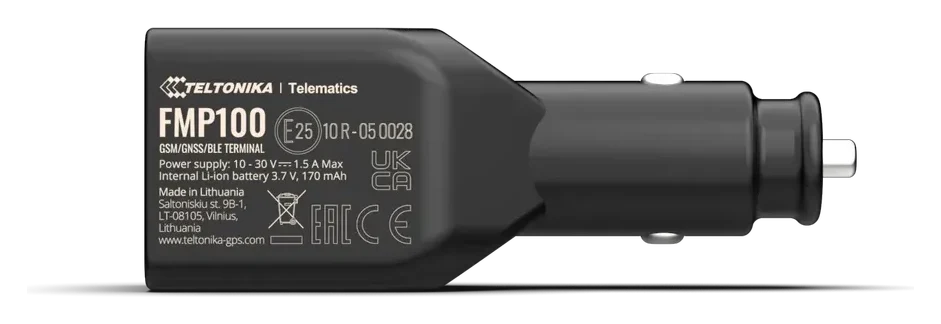
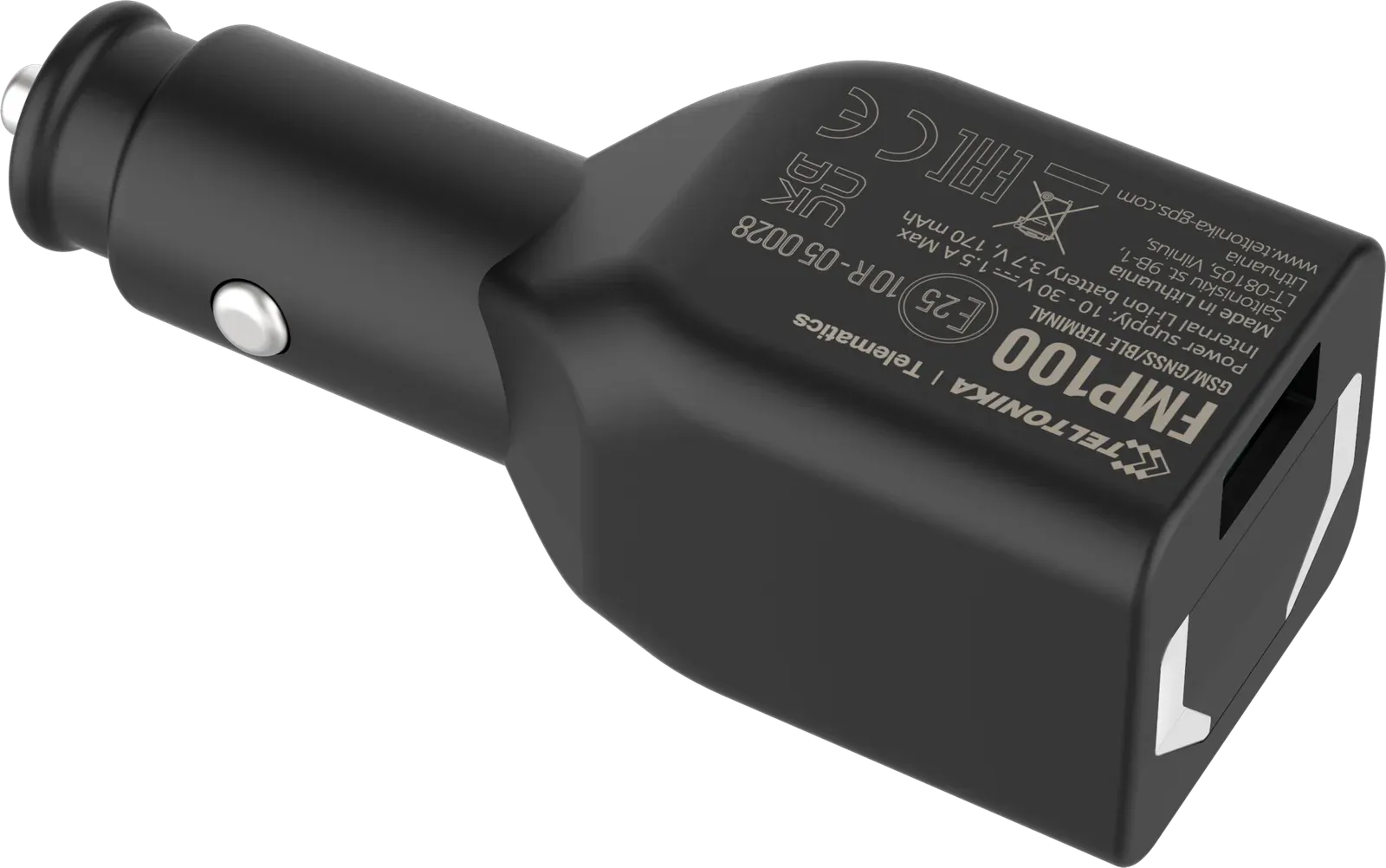
Teltonika FMP100 works from a cigarette lighter socket or a 12/24 V vehicle accessory socket. No separate wiring is needed. A tracker bought from us is already configured, with a SIM card installed.
How to connect
- Stop the vehicle and choose a working socket where the device will not interfere with driving.
- Insert the tracker firmly into the socket. If power is available only with the ignition on, switch it on.
- Place the vehicle in an open area and wait for the tracker to determine its location.
- Sign in to Mugav Auto GPS, select the vehicle and check for fresh data. Then take a short drive and check position updates using Using the app.
For a normal installation, you do not need to open the housing or connect the tracker to a computer.
Check power while parked
Some vehicles keep the socket powered all the time; others switch it off with the ignition or some time later.
After the first installation, switch off the ignition and check whether the selected socket remains powered after the vehicle electronics switch off. If power is lost, the tracker uses its small built-in battery, then stops sending data when that battery runs out.
For long-term monitoring of a parked vehicle, you need a permanently powered socket or a different tracker model. Do not rely on the backup battery to power the tracker for the entire parking period.
If the socket remains live, FMP100 continues to use the vehicle’s power. During long storage, account for this along with the vehicle battery’s condition.
USB port and button
The device’s USB-A port charges a phone or another suitable device: output 5 V, up to 1 A. It is not a pass-through cigarette lighter socket. FMP100 itself receives its main power through the vehicle socket.
The button can have different functions depending on the settings. In our basic service, it is not configured as a panic button or a switch between private and business trips. You do not need to press it to start tracking.
What the light and sound mean
With the manufacturer’s basic indication settings, a green flash once a minute means satellite coordinates have been obtained, while red means they have not. If there is no mobile signal, three short red flashes with a sound may occur about once every five minutes.
These indications relate to reception status and depend on the settings. Check fresh vehicle data in the system; a green flash alone does not confirm a connection to our server.
If data is not updating
Check socket power, a firm fit and the vehicle’s location. An underground garage may have weaker satellite and mobile reception.
FMP100 works only on 2G. Before travelling abroad, check network compatibility in SIM card and coverage.
If you cannot find the cause, email klienditugi@mugavauto.ee with the vehicle and what has changed: power was lost, signals appeared or the position stopped updating.
Main technical data
| Parameter | Value |
|---|---|
| Main power supply | 10–30 V DC through the vehicle socket |
| Mobile network | 2G GSM |
| Backup battery | 170 mAh |
| USB-A output | 5 V, up to 1 A |
| Housing | IP41; for a dry cabin |
Teltonika FMP100 first-start instructions · FMP100 indicators · Manufacturer’s manual