Devices
GPS tracker installation: DIY or workshop
Which GPS trackers can you install yourself, and when should you use a workshop? Compare installation, power and initial checks for five models.
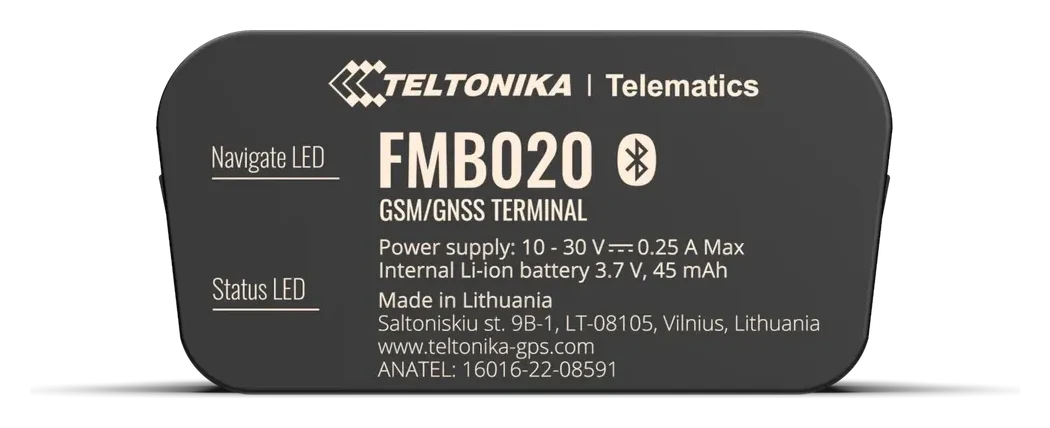
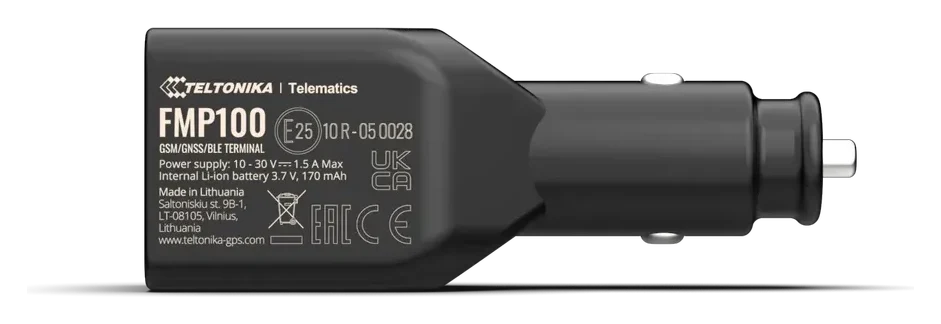
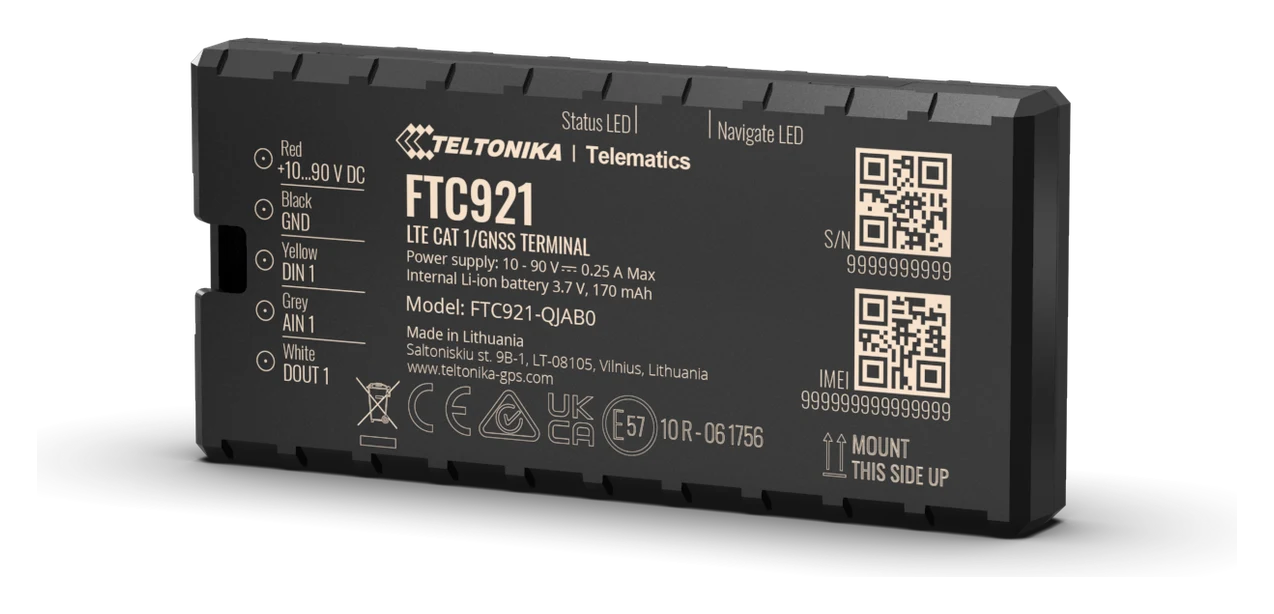
GPS tracker installation depends mainly on how the device gets its power. The FMB020 plugs into the OBD port, the FMP100 into the cigarette lighter socket, and the ATC700 runs on its own battery. None of these requires work on the vehicle’s wiring. The FTC921 and FTC880 need electrical connections: if you lack the skills to make these, choose workshop installation.
A tracker bought from us already has its SIM card fitted. For what is included in the price, see GPS tracker with no monthly fee. Your task is to connect or charge the device, find a suitable position and check that your vehicle’s data appears in the system. The tracker is already configured for our system; you do not need to configure it again.
If you have not chosen a model yet, start with our GPS tracker comparison.
Which installation method suits you?
Before choosing a model, consider whether you want to move the tracker between vehicles, keep it permanently in one vehicle or use it somewhere without a power supply.
| Model | How to get started |
|---|---|
| FMB020 | Plug it into the OBD port yourself; we can help at the workshop if needed |
| FMP100 | Plug it into the cigarette lighter socket yourself; we can help at the workshop if needed |
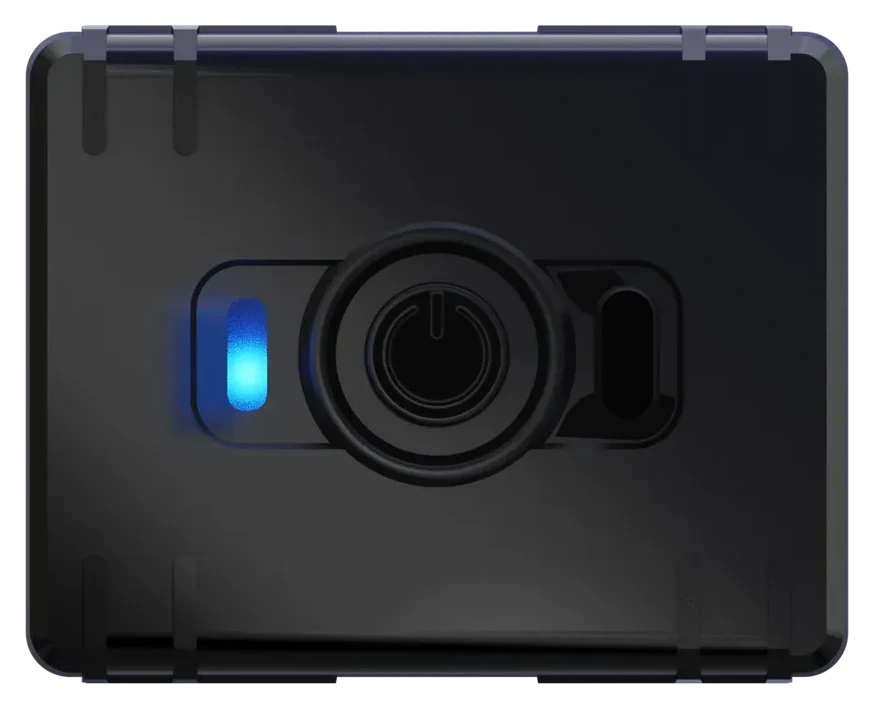
| ATC700 | Charge and secure it yourself; we can help at the workshop if needed |
| FTC921 | Use a workshop, or connect it yourself if you understand vehicle electrics and can use a multimeter |
| FTC880 | Use a workshop, or connect it yourself if you understand vehicle electrics and can use a multimeter |
For example, a plug-in model is convenient for moving between two cars. For a permanent installation in one vehicle, consider the FTC921. The ATC700 can be used in a trailer or toolbox without an electrical connection.
FMB020: plug it into the OBD port yourself
For the FMB020, locate the vehicle’s diagnostic port, known as the OBD port. It is usually below the dashboard on the driver’s side; consult the vehicle manual for its exact location. Connect and remove the tracker with the ignition switched off.
Before connecting it, check that the casing does not obstruct your feet, the pedals or the steering wheel. If the port’s location prevents safe use, or you cannot find it, ask us for help. Do not force the plug into the port.
This model uses the OBD port for power only. The FMB020 does not read fault codes or the vehicle’s odometer: mileage in our system is calculated using GPS. Separate charging is unnecessary, but during long periods of parking you need to consider the vehicle battery’s condition and the tracker’s power consumption. Follow the steps in the FMB020 connection guide.
FMP100: plug it into the vehicle socket yourself
The FMP100 suits you if you want to connect a tracker without dismantling the interior. Insert it into the cigarette lighter socket or a suitable vehicle power socket, then check that the contact is secure and the device does not obstruct driving.
Check whether the socket remains powered after you switch off the ignition. If power is lost, the tracker runs briefly on its small backup battery; extended tracking while parked requires a continuous power supply.
Remember that the tracker occupies the socket. Its USB-A output can charge a phone, but the device has no pass-through cigarette lighter socket. See the FMP100 connection guide for details.
ATC700: charge and secure it yourself
The ATC700 needs no wiring to the vehicle’s electrical system. Charge it via USB-C and secure it in your chosen position. A metal box or a large metal component above the device can weaken satellite reception, so check operation before settling on its final position.
Running on its own battery means the tracker does not draw power from the vehicle battery, but you need to keep its battery charged. Sending location updates more often uses more energy. Choose this model if placement without wiring and regular charging suit the way you plan to use it.
The ATC700 sends data less often when parked than when moving. Charging, positioning and reporting modes are explained in the ATC700 user guide.
FTC921 and FTC880: when should you use a workshop?
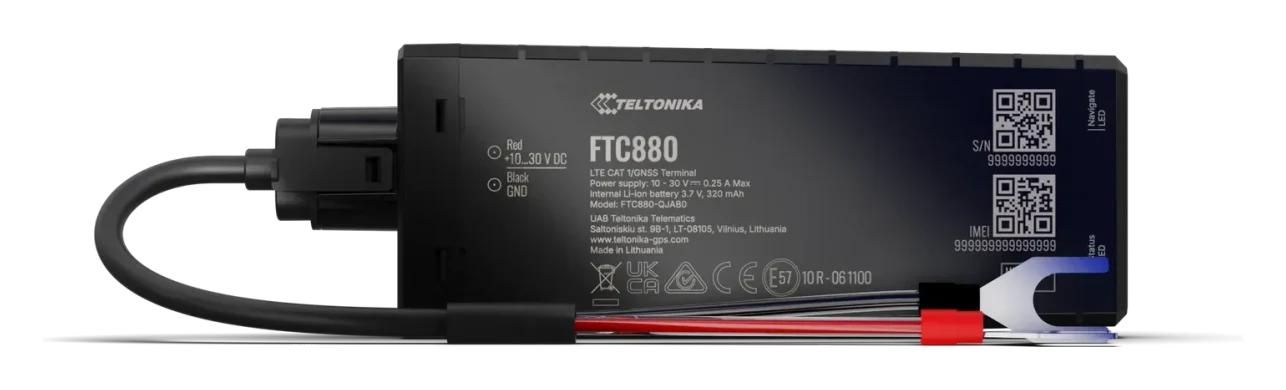
The FTC921 is fitted in a dry location inside the vehicle, such as below the dashboard. It has three connections: permanent positive power, ground and an ignition circuit. The FTC880 connects to the battery’s positive and negative terminals with two wires; it has no separate ignition wire. On a motorcycle or ATV, you also need to choose a suitable mounting position and protect the wires and connections.
You can install either model yourself if you understand vehicle electrics and can use a multimeter to identify suitable connection points accurately. The number of wires alone does not tell you how difficult the job is.
Before deciding, read the FTC921 or FTC880 installation guide. For a motorcycle with a small battery and long periods of seasonal storage, discuss less frequent reporting with us. Read about power consumption and long periods of parking in “Does a GPS tracker drain the car battery?”.
Checks after connection and workshop help
Installation is complete when you can see fresh data for your vehicle, rather than just an illuminated indicator.
- Move the vehicle or tracker to an open area with satellite reception.
- Sign in to your account using the sign-in guide.
- Check the vehicle and the time of its latest data. Take a short test drive and check location updates using the “Using the app”.
Installation at our workshop usually takes about an hour, sometimes up to an hour and a half. For the FTC921 and FTC880, book an appointment online: buying a tracker does not reserve an installation slot. Follow the steps in Booking an installation appointment. Current installation charges are listed on the product page and booking page; the exact charge for the FTC880 depends on its mounting position and is agreed before work starts.
We offer free help getting started with the FMB020, FMP100 and ATC700 at our Peetri workshop. Contact us for assistance. Workshop address: Häälinurme 1, 75312 Peetri. If you already have your tracker, bring it to your installation appointment.