Devices
Teltonika FTC921 installation guide
How to connect the three FTC921 wires, identify power and ignition, secure the tracker and check that it works.
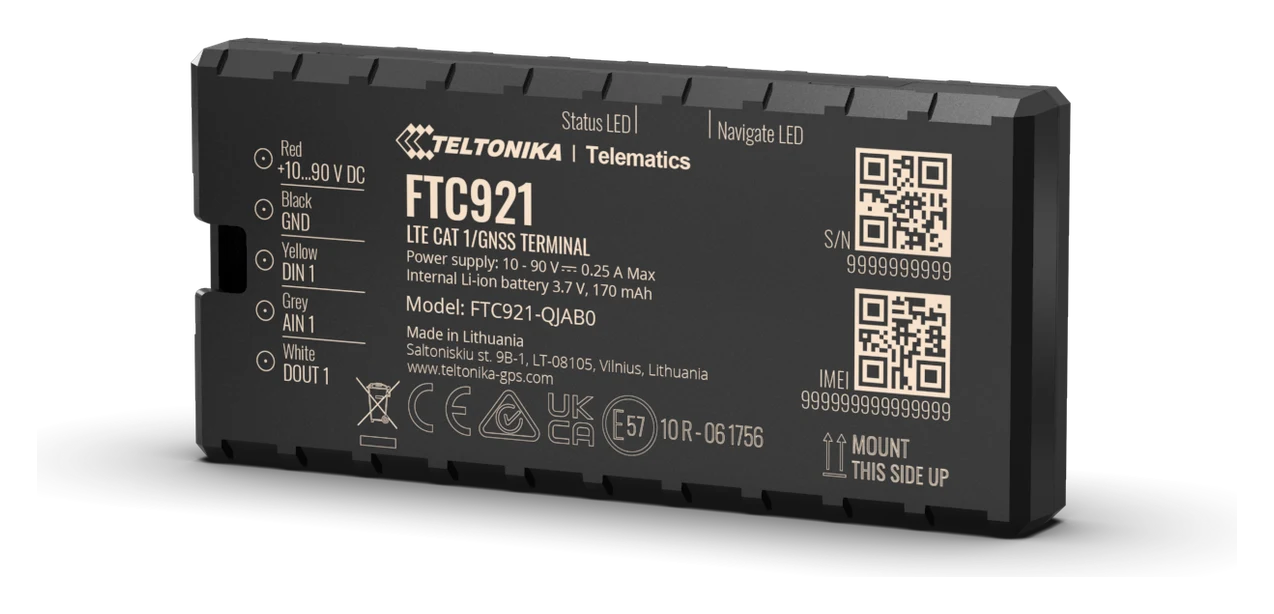
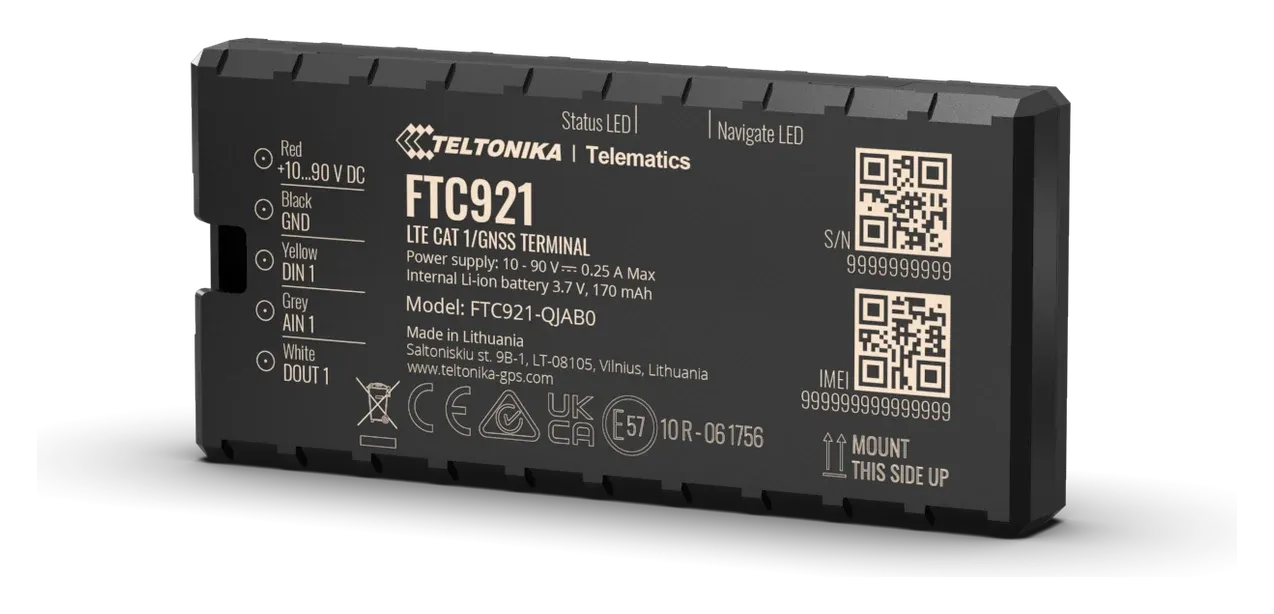
Teltonika FTC921 is installed permanently in the vehicle and powered by its electrical system. A tracker bought from us is already configured for Mugav Auto GPS, with a SIM card installed. To start using it, connect the three wires correctly, secure the device and check it in the system.
What you will need
You will need a multimeter, suitable connectors, insulation and a way to secure the housing. The positive supply circuit requires an external 3 A fuse; Teltonika specifies a 3 A, 125 V fuse in its manual.
You need to understand vehicle electrics and know how to use a multimeter to accurately identify the permanent positive supply, ground and ignition circuit. If you are unsure which connection points to use, ask an auto electrician to make the connections. You can book an installation at our workshop.
Which wires to connect
| Tracker wire | Label | Connection |
|---|---|---|
| Red, pin 1 | VCC | Permanent positive supply through an external fuse |
| Black, pin 2 | GND | Negative supply — a reliable original vehicle grounding point |
| Yellow, pin 3 | DIN1 | A circuit that becomes live with the ignition on and remains live after the engine starts |
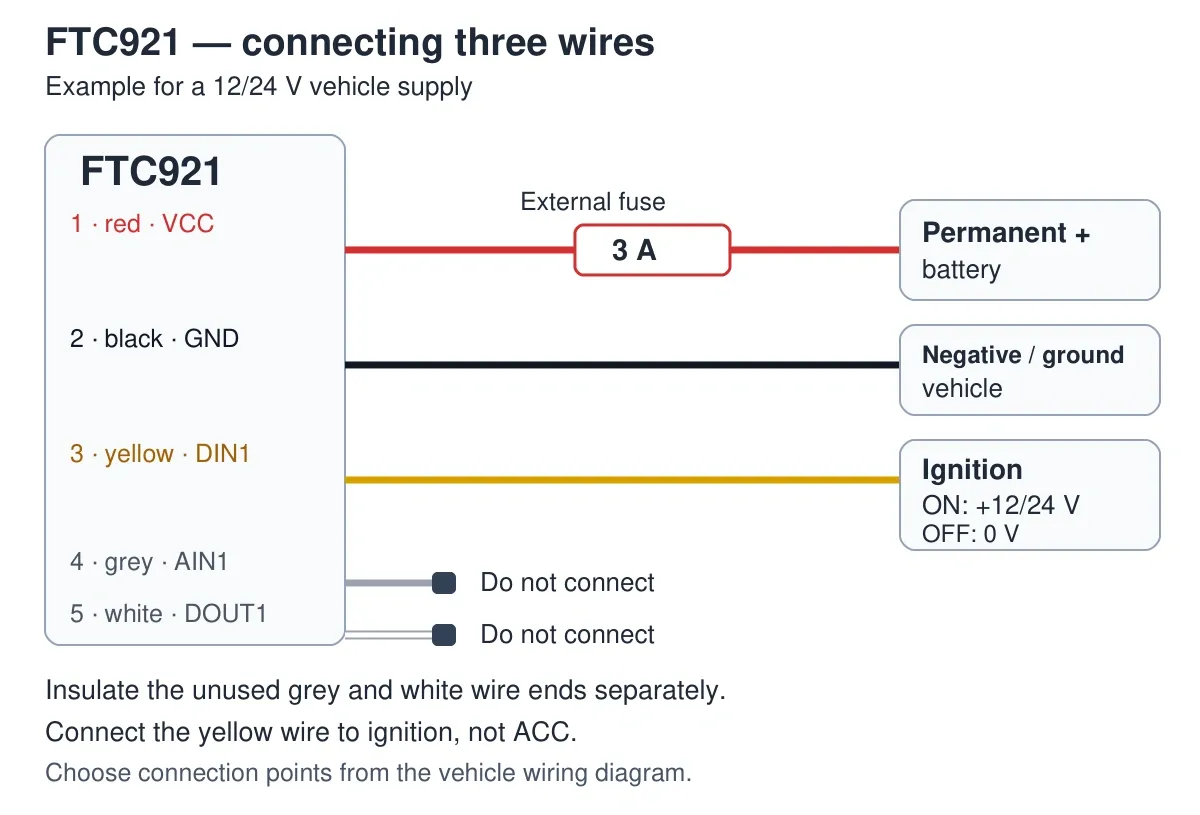
We do not connect the grey AIN1 or white DOUT1 wire. Insulate each unused end separately. Do not join them to each other, the positive supply or ground.
For a bolted ground connection, use a ring terminal. The contact must be with clean metal, not paint.
The colours in the table refer to the tracker’s wires. Identify the vehicle’s own wires and suitable connection points by taking measurements with a multimeter.
How to connect and secure the tracker
- First find suitable circuits using a multimeter, without connecting any tracker wires. The permanent positive supply must remain live after the ignition is switched off and the vehicle electronics enter sleep mode; the manufacturer states this may take 5–30 minutes. For the yellow wire, find an ignition circuit: voltage appears with the ignition on, remains after the engine starts and disappears when it is switched off. This must be an ignition circuit, not ACC, which only powers accessories.
- Switch off the ignition and isolate the circuits from power according to the vehicle’s instructions. Make connections only with the wires de-energised.
- Connect the red, black and yellow wires as shown in the table. Insulate the connections and secure the wires without tension. Do not connect to the signal wires of electronic control units.
- Secure the housing in a dry place inside the cabin, such as under the dashboard. Keep it away from moving parts, strong heat sources and airbag deployment areas. Metal above the tracker can weaken satellite reception.
- Restore power according to the vehicle’s instructions and measure the voltage on the red wire again: it should not have dropped after connecting the tracker.
- Check the device before reassembling the dashboard. Switch off the ignition before removing the tracker; disconnect its wires only after isolating the circuits from power according to the vehicle’s instructions.
The diagram shows what each connection is for. The actual connection points depend on the vehicle.
How to check the device
Move the vehicle to an open area so the tracker can determine its location. Sign in to Mugav Auto GPS, select the vehicle and check for fresh data. Then take a short drive and check its movement using Using the app.
The housing has NAVIGATION and STATUS indicators. NAVIGATION flashes once a second when coordinates have been obtained; a steady light means there is no satellite position yet. STATUS indicates device operation and the mobile connection. An unlit NAVIGATION indicator may mean sleep mode or that the device is not operating. Check the device in the tracking system as well.
If no data appears, check the power supply, fuse, ground and mounting position. If the cause is unclear, email klienditugi@mugavauto.ee with the vehicle, tracker model and what the system shows.
Power and main limitations
| Parameter | Value |
|---|---|
| Supported power supply | 10–90 V DC; the example above is for a 12/24 V vehicle system |
| Mobile network | 4G LTE Cat 1 with 2G support |
| Backup battery | 170 mAh; a short reserve if external power is lost |
| Housing | IP41; install in a dry cabin |
The red wire powers the tracker while parked as well. The backup battery does not replace a permanent power supply. If the vehicle will stand unused for a long time, consider the tracker’s consumption and the vehicle battery’s condition. Write to us to change the reporting interval; you do not need to change the connection settings yourself.