Choosing a tracker
GPS tracker for theft protection: benefits and limits
See how a concealed GPS tracker and email alerts can help if your car is stolen, and what limitations to consider.
A GPS tracker lets you check your car’s location based on the latest data received and review its route. If you set up an alert for leaving a defined area, you can also receive an email when the car moves out of it. In the event of theft, this information may help the police. Using a tracker does not, however, guarantee that theft will be prevented or the car recovered.
If you are choosing a device to supplement your car’s theft protection, consider three things: how the tracker will be installed, how you will learn about movement, and what the system shows when no new data arrives.
What a GPS tracker shows you
Mugav Auto GPS shows your car’s location, speed and trip history. The map tells you where the car was according to the last record received. The history lets you review the route it took during a selected period and where it stopped. You can view the same information on your phone or in a computer’s web browser.
For example, if your car is no longer where you left it, you can check its last location and the route leading up to it.
When the tracker uploads stored data, the location time may differ from the connection time: Fix Time shows when the coordinates were recorded. You will find it under More Details in the vehicle card; see “Using the app” for help reading the map.
Why choose a concealed installation
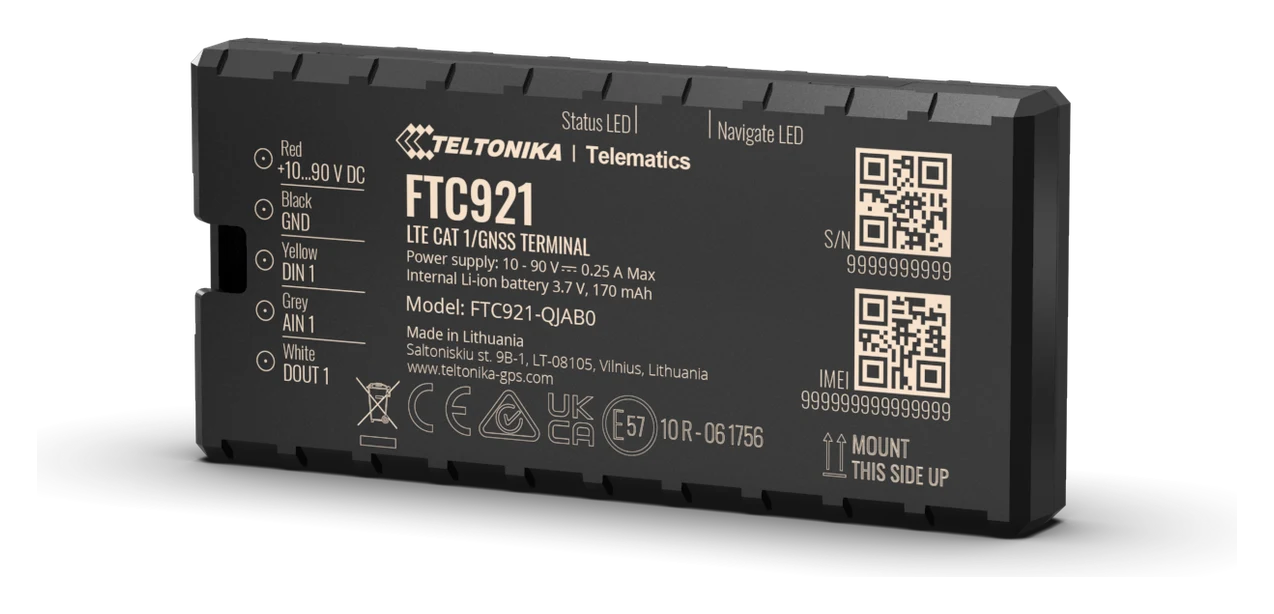
The Teltonika FTC921 is suitable for permanent installation in a car. It is fitted inside the cabin beneath the dashboard and connected to the car’s electrical system. It is out of sight and harder to access than a tracker simply plugged into a socket.
A device plugged into the OBD port or cigarette lighter socket is convenient if you want to get started quickly or move the tracker between cars. It is also easier to remove. If your main aim is a permanent, less visible installation, the wired FTC921 is therefore a more suitable choice. “Car GPS tracker: how to choose the right model” compares the different installation options.
Concealed does not mean impossible to find. Correct wiring and placement also matter: the device needs power and satellite signal reception. The FTC921 draws power from the car’s battery, and its small backup battery is not designed for extended standalone operation. You can book installation at our workshop; the FTC921 installation guide also explains the connections.
How an alert for leaving an area helps
A geofence is an area you define on the map, such as the surroundings of your home or a company car park. The system can send an email when coordinates received from the tracker show that the car has left that area. The alert gives you a reason to check what is happening: it does not determine whether the owner is driving or a theft has occurred.
To use the alert, you need to create the area, link it to the car and set up the corresponding email notification. Drawing the area alone is not enough. See “Notifications” for the detailed steps.
Our notification channel is email. Bear in mind how often you check your inbox. An alert does not automatically dispatch the police or a security team.
Limitations to keep in mind
The tracker needs a satellite signal to determine its location and a mobile connection to send data, but reception may be weak or unavailable, for example behind metal, in an underground car park or outside mobile network coverage. During a mobile connection gap, you see the last location received, and stored data reaches the system once the connection returns — see “How a GPS tracker works”.
Alerts also depend on data arriving. With infrequent location points, an email may be delayed or a brief departure from the area may go undetected.
What to do if you suspect theft
If you suspect theft, contact the police. The location on the map is information to pass to them, rather than an instruction to go looking for the car or recover it yourself.
- Open the tracking system and select the correct car.
- Check the last location received and the time its coordinates were recorded. Distinguish fresh data from an old point.
- Review the latest route and stops in the trip history, if they have reached the system.
- Give the police the location shown, its time and any available route information. Tell them if no more recent data is available.
If no new points arrive, check the power supply, coverage and the device’s operating mode. For a technical problem, you can reach us through the contact page.
What to check before everyday use
After installation, take a short drive and make sure the map and history update. Try signing in on your phone when you are not in a hurry. You will then already know where to find your car and the time of its latest data.
Set up the geofence you need and test its alert. If the car often stands unused for long periods, discuss battery condition and the data transmission interval with us as well. “Does a GPS tracker drain the car battery?” explains power considerations. Less frequent transmission reduces energy use, but may increase the wait for new information.
If you would like to see the map and trip history before buying, try the demo system. The demo introduces the system’s general features; alerts for your own car must be set up and tested separately after installation.